
A blog that wants visits from Pinterest needs a profile that strangers can open. Pinterest puts the choice in one setting, Profile visibility, and the steps below come from its help pages read on 15 November 2026. Before you open the profile to everyone, check what it shows with our ideas for a blogger’s Pinterest profile (opens in a new tab), and see how the profile fits the rest of a Pinterest traffic plan for bloggers (opens in a new tab).
Public or private: what each setting shows
Pinterest’s Make your profile private or public page says you can set your profile to private or public to control who can see your profile, boards, Pins and activity. The Edit your profile page adds the difference:
| Setting | Who can see your profile | Search |
|---|---|---|
| Public | Anyone will be able to see the information you share on your profile | Search engines like Google, Bing and Yahoo may show your profile or boards |
| Private | Only people you invite to follow you | Private profiles won’t appear in search results on Pinterest or in search engines |
For a blog, the public setting is the one that brings readers: a private profile stays out of Pinterest search and out of search engines, so only the people you invite can browse the rest of your boards.
Before you switch: who can change the setting
Pinterest’s help page lists two cases where the switch works differently.
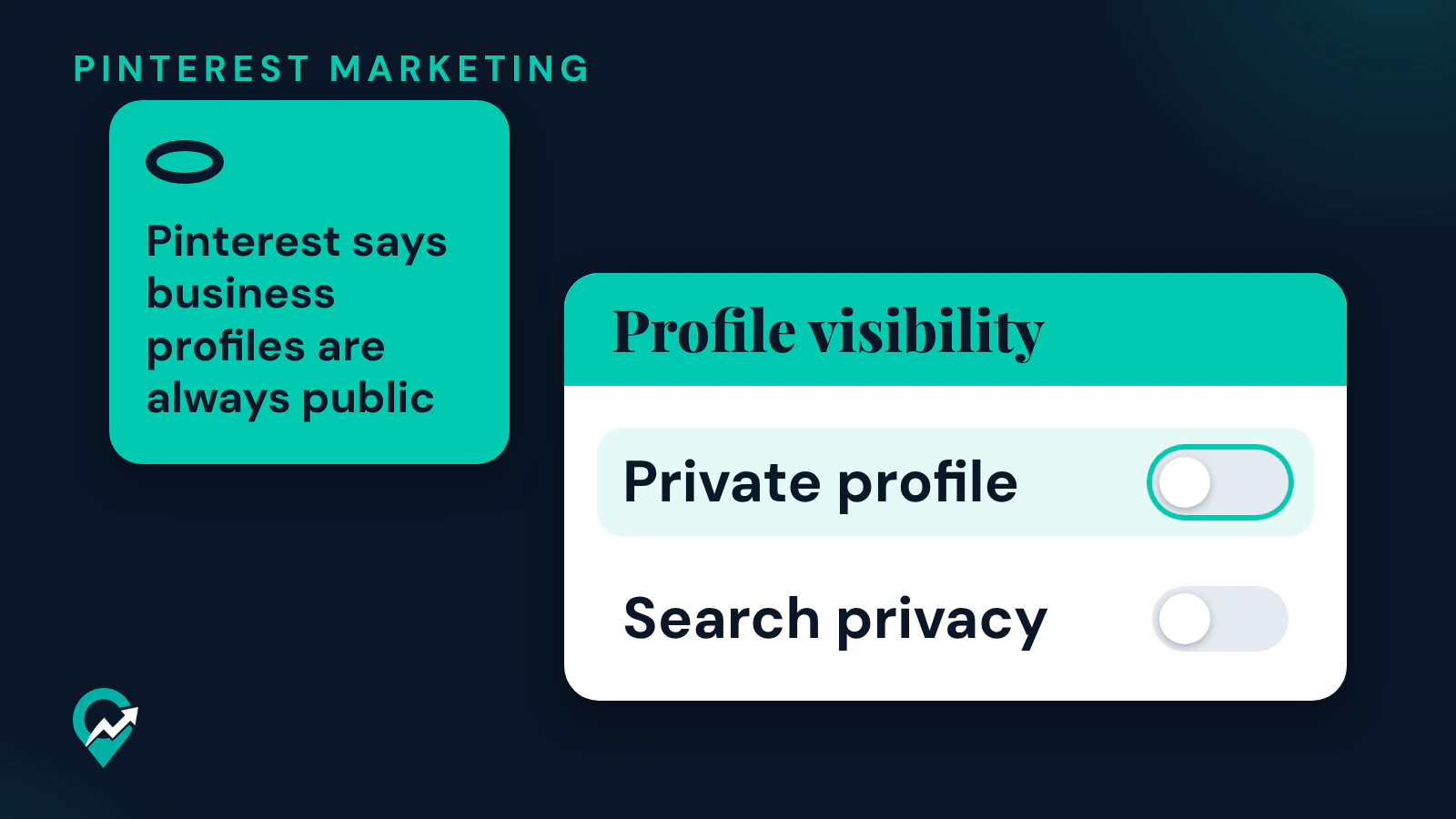
- Business profiles are always public. If you have a business account, you’ll need to change it to a personal account in order to make your profile private.
- Teen profiles are private by default. Profiles for teens from 13 to 16 years old are private by default and cannot be made public. You must be 16 or over to edit your profile visibility.
If you blog with a business account, you have nothing to do to make the profile public. Our comparison of a business and a personal Pinterest account (opens in a new tab) explains what each type gives a blogger.
How to make your Pinterest profile public on a computer
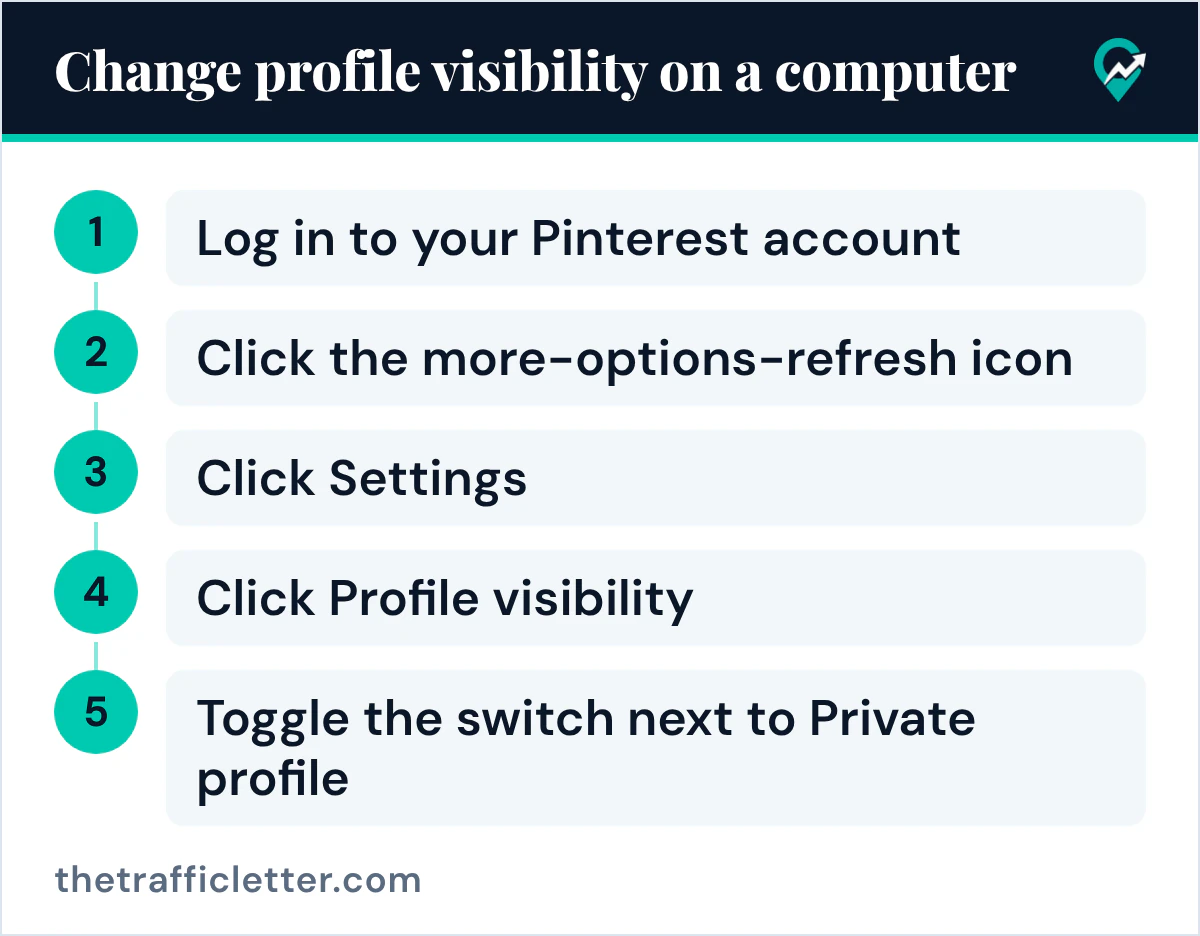
Pinterest’s steps on a computer:
- Log in to your Pinterest account.
- Click the more-options-refresh icon at the bottom left of your screen.
- Click Settings.
- Click Profile visibility at the left side of the screen.
- Toggle the switch next to Private profile.
The same switch works both ways: turn it off to make the profile public, turn it on to make it private.
How to make your profile public in the Pinterest app
In the app, Pinterest’s help page gives these steps:
- Open the Pinterest app on your device and log in to your Pinterest account.
- Tap on your profile picture at the bottom-right corner of your screen.
- Then, tap your profile picture at the top-left corner of your screen.
- Tap Profile visibility.
- Toggle the switch next to Private profile to turn it on or off.
The page shows a second app version where your profile picture sits at the bottom of the screen instead of the bottom-right corner. The rest of the steps are the same.
How to make your Pinterest profile private
Use the same Profile visibility page and turn on the switch next to Private profile. If the account is a business account, convert it first. Pinterest’s Convert a business account to a personal account page gives these steps on a computer:
- Log into your Pinterest business account.
- Click the directional chevron down icon at the top-right corner to open your menu.
- Click Settings.
- Select Account management from the left-side navigation.
- Scroll down to Account changes and click Convert account.
The same page says that if you have outstanding bills, you’ll need to pay them before you can convert your account, and that converting fits when you no longer need analytics tools or access to ads.
A private profile can still welcome people you trust. Pinterest’s Invite people to follow you page says you can share a unique profile link with them, and that each link will expire after three days or after it’s used by five people. Our guide to approving followers on a private Pinterest profile (opens in a new tab) has the steps on a computer and in the app.
Search privacy: the second switch on the same page
Pinterest’s Update your search privacy page says search engines like Google, Bing and Yahoo may show your profile or boards in their search results, and that you can turn on search privacy if you don’t want to appear there. It sits on the same Profile visibility page, as the switch next to Search privacy.
The page adds two conditions: you must be at least 18 years old to edit your search privacy, and if your profile is private, search privacy will be turned on automatically and you won’t be able to edit it.
So after you make the profile public, open Profile visibility once more and check that Search privacy is off if you want your profile and boards to be found from Google.
Keep one board private without hiding the profile
To keep a few ideas to yourself, you can make one board private instead of the whole profile. Pinterest’s Private boards page says only you and anyone you invite can see your private boards, and that you can toggle Make this board private in the board settings. A blogger can keep the profile public and draft a new board in private, with our steps to make a secret board on Pinterest (opens in a new tab).
Right after
- Check how the profile looks to a visitor who opens it from search with our guide to the “this profile is not available” message (opens in a new tab).
- Send the public profile to your readers with our steps to share your Pinterest profile link (opens in a new tab).