

A blog post holds more Pin ideas than one image with its title on it. Pinterest’s own creator site names four formats for a first Pin, and each of them fits a different part of a post. This guide goes through those formats, the Pin types Pinterest’s help pages describe, and a way to plan several Pins from one post. It is one part of our routine for getting traffic from Pinterest (opens in a new tab), and the growth side is in our guide on how to grow on Pinterest (opens in a new tab).
The four Pin formats Pinterest suggests
Pinterest’s Content creation page says “the best Pins don’t just tell you something, they show it” and gives four formats for a first Pin:
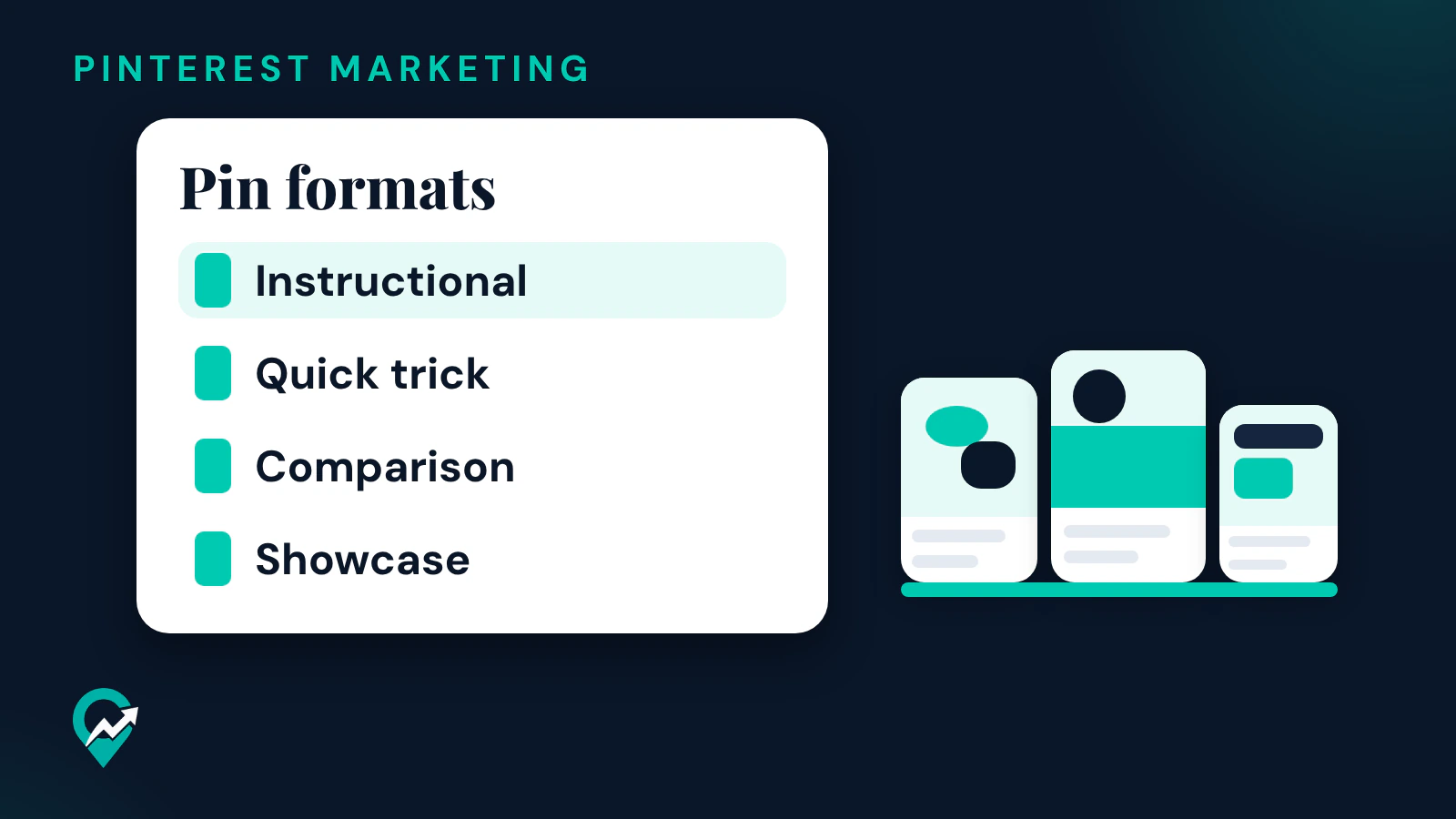
- Instructional: teach new skills, provide tutorials or recommend specific products.
- Quick trick: a simple format for an idea that won’t take much time to explain.
- Comparison: show multiple ways to use the same ingredient, product or object.
- Showcase: record yourself while you create something, so people can learn from the process.
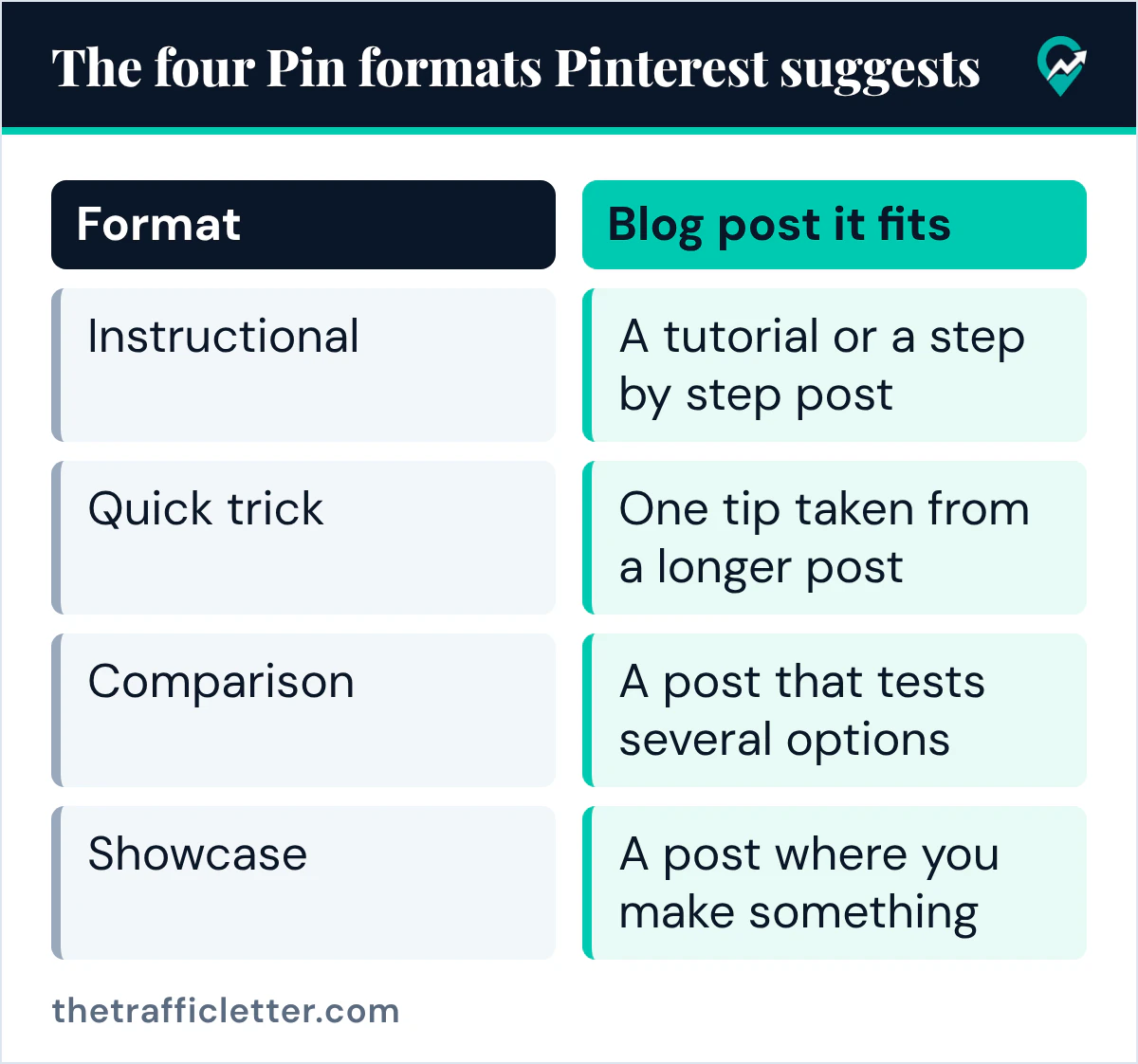
For a blogger, each format maps to a kind of post or a part of one:
| Format | Blog post it fits |
|---|---|
| Instructional | A tutorial or a step by step post |
| Quick trick | One tip taken from a longer post |
| Comparison | A post that tests several options |
| Showcase | A post where you make something |
Pin types you can make
Pinterest’s help page on creating a Pin covers image Pins and video Pins (opens in a new tab). On a computer you can select up to 10 images or videos at once, and each one creates a new Pin. To combine multiple images and videos in one video Pin, the page says to create the Pin with the Pinterest app.
Video suits the showcase format. Pinterest’s creator site says vertical video (9:16 aspect ratio) is ideal for mobile viewing, advises making the first 10 seconds count by starting with a takeaway or useful tip, and gives an ideal length of between 45 to 90 seconds.
A collage is another option. Pinterest’s Create a collage page says you can save objects you love as cutouts and put them together in an interactive collage, for example a mood board, a mix of products, or cutouts from your camera roll. Collages made with product Pins are shoppable, and you publish the finished collage as a Pin. A home decor or style blog can turn a post’s product picks into one.
Turn one blog post into several Pin ideas
A single post can give a Pin in each format. Take a post on a weeknight dinner as an example:
- An instructional Pin with the recipe steps.
- A quick trick Pin with the one tip that saves the most time.
- A comparison Pin with three ways to serve the same dish.
- A showcase video of the dish being made.
Every Pin links to the same post. Pinterest’s How to make Pins page says to create new original Pins at least once a week, so a post with four angles gives you material for several weeks. For the timing, see our guide on how often to pin on Pinterest (opens in a new tab).
Make each idea easy to find
A Pin idea brings visits when people can find it. Pinterest’s creator site calls Pinterest “a search engine for inspiration and new ideas” and says to add a title and a description to your Pins. When you create a Pin, the help page lists the fields: title, description, link, board, and up to 10 related topics to tag.
Before you publish each Pin, check these points:
- Pick the blog post the Pin will link to.
- Choose the format that fits what the post teaches.
- Make it vertical: Pinterest recommends a 2:3 aspect ratio (1000 x 1500 pixels) for images and says fully vertical images and videos get more engagement. Our guide to Pinterest Pin size (opens in a new tab) covers the other ratios and the file limits.
- Write the title and description with the words people search for. Our guide to writing Pin descriptions that get found (opens in a new tab) covers the wording.
- Add the link to the post.
- Save it to a related board with a specific title.
Pinterest’s ad specs page adds that a Pin title can have up to 100 characters, with the first 40 the most likely to show, and a description up to 800 characters.
Find the next idea with Pinterest Trends
Pinterest’s Trends help page says the tool displays the top search, save and shopping trends for up to the last two years, across regions and countries. Use it to see when people start searching for a topic of your blog, then plan the Pin before that moment. Pinterest’s creator site also points to Pinterest Predicts, its report on emerging trends, as another source of ideas. Our walkthrough of the Pinterest Trends tool (opens in a new tab) shows how to read it.
A prompt to brainstorm Pin ideas from a post
An AI assistant can draft the list of ideas for you. This prompt works in ChatGPT, Claude, Gemini or any AI assistant:
Here is a blog post: [paste the post or its outline].
Suggest 4 Pinterest Pin ideas for it, one for each of these formats: instructional, quick trick, comparison, showcase.
For each idea give: the format, a Pin title of up to 100 characters with [your main keyword] in the first 40 characters, a description of up to 800 characters in plain sentences, and the part of the post the Pin comes from.
Use only facts that are in the post. Do not add numbers, results or promises.
Read every idea against the post before you make the Pin, and keep only the ones the post really covers. Our guide on making Pinterest Pins with AI (opens in a new tab) covers the checks for AI images too.
Right after
- Write the title and description of your first Pin with our tips on Pin titles and descriptions (opens in a new tab).
- Plan when the Pins go out with our steps to schedule Pins on Pinterest (opens in a new tab).
- Check which formats work after a few weeks in Pinterest analytics (opens in a new tab).