

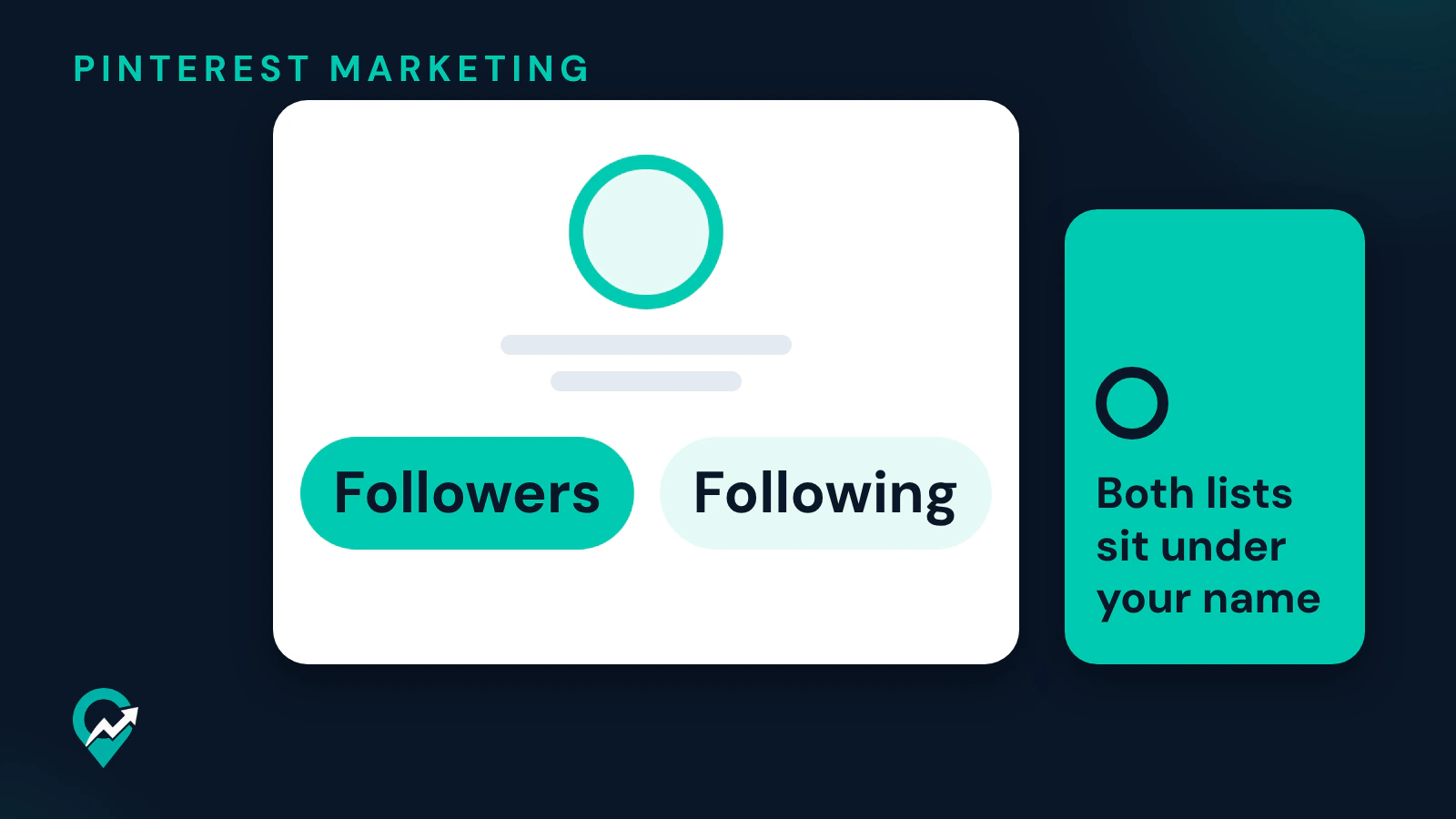

Your Pinterest followers are one click away from your profile, and Pinterest’s help page also explains what the number counts. The steps below come from Pinterest’s help pages read on 22 November 2026. This guide is part of our guide to a blogger’s Pinterest profile (opens in a new tab), and the profile is one part of Pinterest traffic strategy for a blog (opens in a new tab).
What your follower count includes
Pinterest’s Manage your following and followers page gives two definitions:
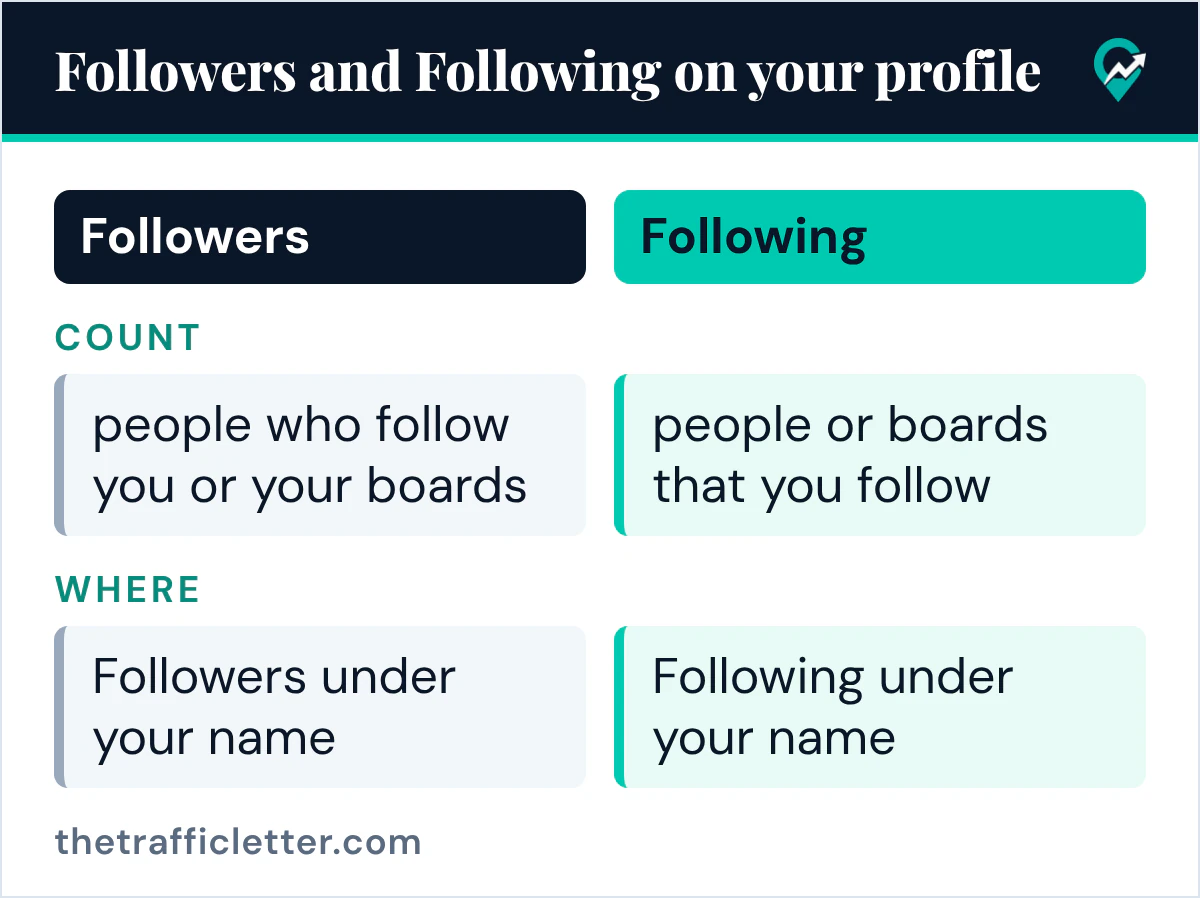
- Your follower count is the number of people who follow you or your boards. If a person follows one or more boards you’ve created, it counts as one follow.
- Your following count is the number of people or boards that you follow.
So a reader who follows three of your boards adds one follow to your count, the same as a reader who follows the whole profile. Both lists sit under your name on your profile.
How to see your followers on Pinterest on a computer
Pinterest’s steps on a computer:
- Log into your Pinterest account.
- Click on your profile picture at the top-right corner of the screen to go to your profile.
- Click Followers under your name to see your followers.
How to see your followers in the Pinterest app
The help page gives the same steps for Android and iOS:
- Open the Pinterest app on your device and log into your Pinterest account.
- Tap your profile picture at the bottom-right corner of the screen to open your profile.
- Tap Followers under your name to see your followers.
See who you’re following
The Following list sits next to Followers under your name. On a computer, click on your profile picture at the top-right corner of the screen, then click Following under your name to see the people and boards you’re following. In the app, tap your profile picture at the bottom-right of the screen and tap Following: the page shows the list split into People and Boards.
To stop following someone, the same page says to tap Unfollow next to the person you want to unfollow. To follow new people, Pinterest’s Find and follow people page says to enter a person’s name or Pinterest username in the search bar, click the filter icon at the top-left of the search results, select Profiles and click Confirm, then open a profile and click Follow at the bottom of their profile description.
If your profile is private
The help page says that if your profile is private, you’ll need to invite others to follow you. Pinterest’s Invite people to follow you page describes a unique profile link that you share with people you trust, and says each link will expire after three days or after it’s used by five people. Our guide to letting followers into a private profile (opens in a new tab) has the steps.
What to do with the list
The Followers list is also where you act on it. Next to each follower, the ellipsis icon opens Remove, and Pinterest’s block page says blocking a profile prevents someone from following you, messaging you, or interacting with your Pins. Our guide to removing or blocking Pinterest followers (opens in a new tab) has both sets of steps.
For a blog, treat the count as a result of clear content. A profile that says clearly what you publish gives a visitor a reason to follow, which is the method in our guide on earning Pinterest followers as a blogger (opens in a new tab).
Right after
- Clean up the list with our steps to delete followers from your Pinterest list (opens in a new tab).
- Send your profile to readers with our guide to copy and send your profile link (opens in a new tab).