

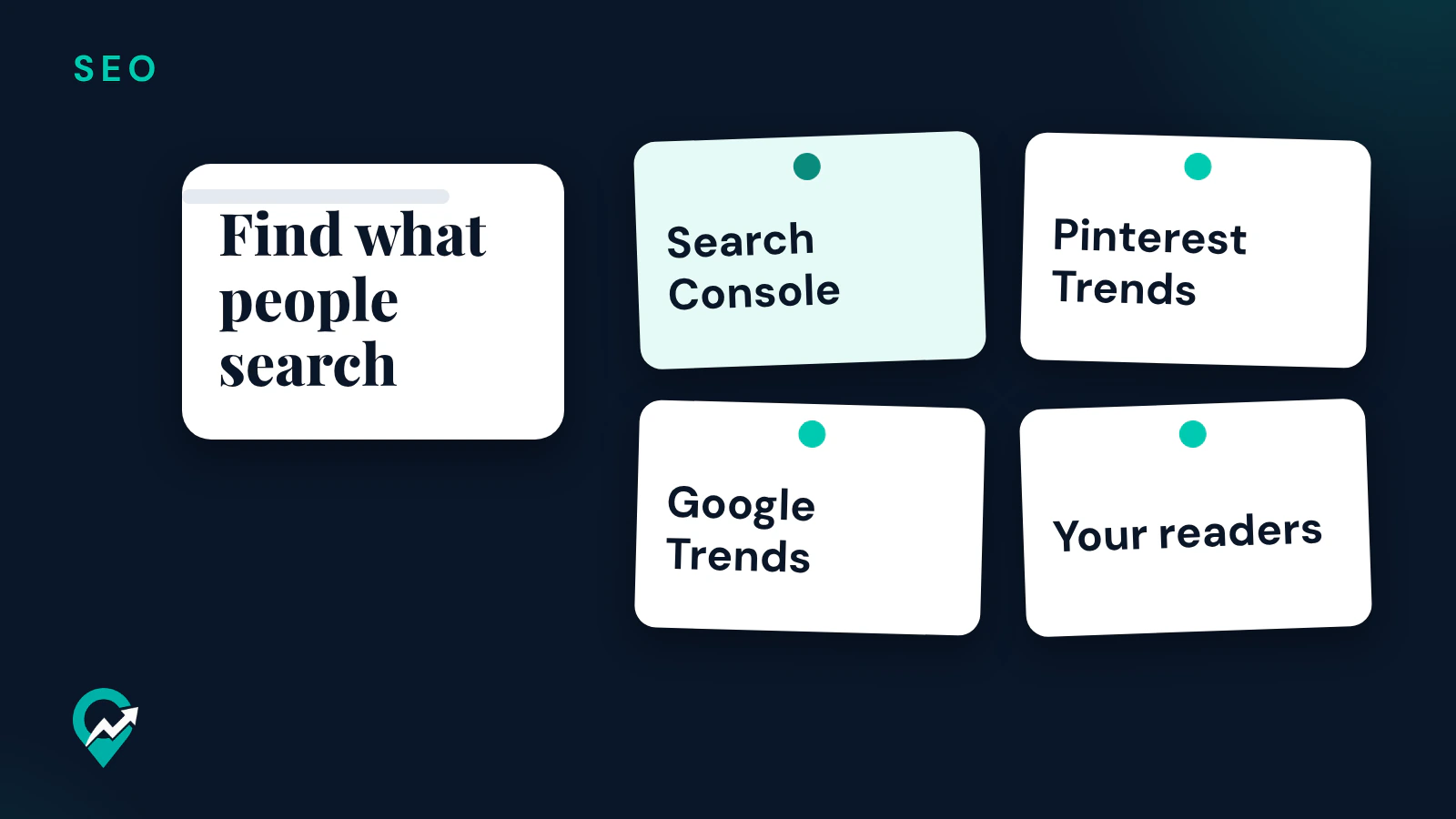
The ideas that bring readers come from your own niche: what people already search for and what they ask you. This guide shows where to find those ideas with Google and Pinterest tools, and how to pick the next post. It is part of our Pinterest SEO guide for bloggers (opens in a new tab), and the writing side is in our guide to blog writing for SEO (opens in a new tab).
Start with the searches your site already gets
Once your blog appears in Google Search, Google Search Console holds a list of ideas. Its help page says the Performance report shows “what search queries are most likely to show your site” and which queries bring traffic.
- Open the Performance report in Search Console. The default view shows click and impression data for the past three months.
- Select the Queries tab above the table. The help page says the “queries” dimension groups the data by the search query users typed.
- Turn on the Impressions and Average position metrics above the chart.
- Look for queries with impressions but a weak average position, or queries that your page answers in passing.
Each of those queries is a candidate post. When a query asks a different question from the page it shows, it usually deserves its own post. When it asks the same question, improve the page instead. Our guide to an SEO content strategy built on topic hubs (opens in a new tab) shows how to fit the new posts around a hub.
Find what people search on Pinterest and Google
A new blog may have few queries in Search Console yet, so start from the search tools.
Pinterest Trends
Pinterest’s help page says Pinterest Trends displays a historic view, up to the last two years, of the top search, save and shopping trends. In the search trends section you can view popular keywords, see whether a trend is seasonal, and review the weekly change, monthly change and yearly change of a trend. The help page gives the path with a business account: click the hamburger icon at the top-left of the page, then under Analyze performance, select Pinterest Trends.
For a blogger who gets traffic from Pinterest, a seasonal keyword is a post to publish before its peak. Our guide to the Pinterest Trends tool (opens in a new tab) explains the reports, and our guide on how to find Pinterest keywords (opens in a new tab) covers the search bar suggestions.
Google Trends
Google’s Trends help says the tool uses a sample of real Google searches, normalized and scaled on a range of 0 to 100, so it compares the relative popularity of terms. It also says that search terms with low volume appear as “0”. Use it to compare two ways of naming the same post and to see when interest rises in the year, not to read a search volume.
Turn one idea into the right kind of post
Google’s starter guide asks you to think about the words a user might search for, and notes that people who know a lot about a topic might use different keywords from beginners. Its example is “charcuterie” against “cheese board”. Write the post in the words your readers use.
Then match the post type to the query:
| The query looks like | Post type |
|---|---|
| “how to …” | A step by step guide |
| ”… ideas” or “best … for …” | A list |
| ”… vs …” | A comparison |
| “can I …”, “why does …” | A short answer post |
Pinterest’s creator site names a few Pin formats that also work as post angles: instructional, quick trick, comparison and showcase. A post that teaches one skill can become an instructional Pin, and a “two ways to use” post a comparison Pin, which is how a blog post idea also gives you Pin ideas. Our list of Pin ideas you can make from your posts (opens in a new tab) goes further.
First blog post ideas
A first post has no data behind it, so choose it by your audience. Google’s helpful content page asks whether you have an existing or intended audience that would find the content useful, and whether your site has a primary purpose or focus. A first post that answers one precise question in your niche passes both tests better than an “about me” introduction.
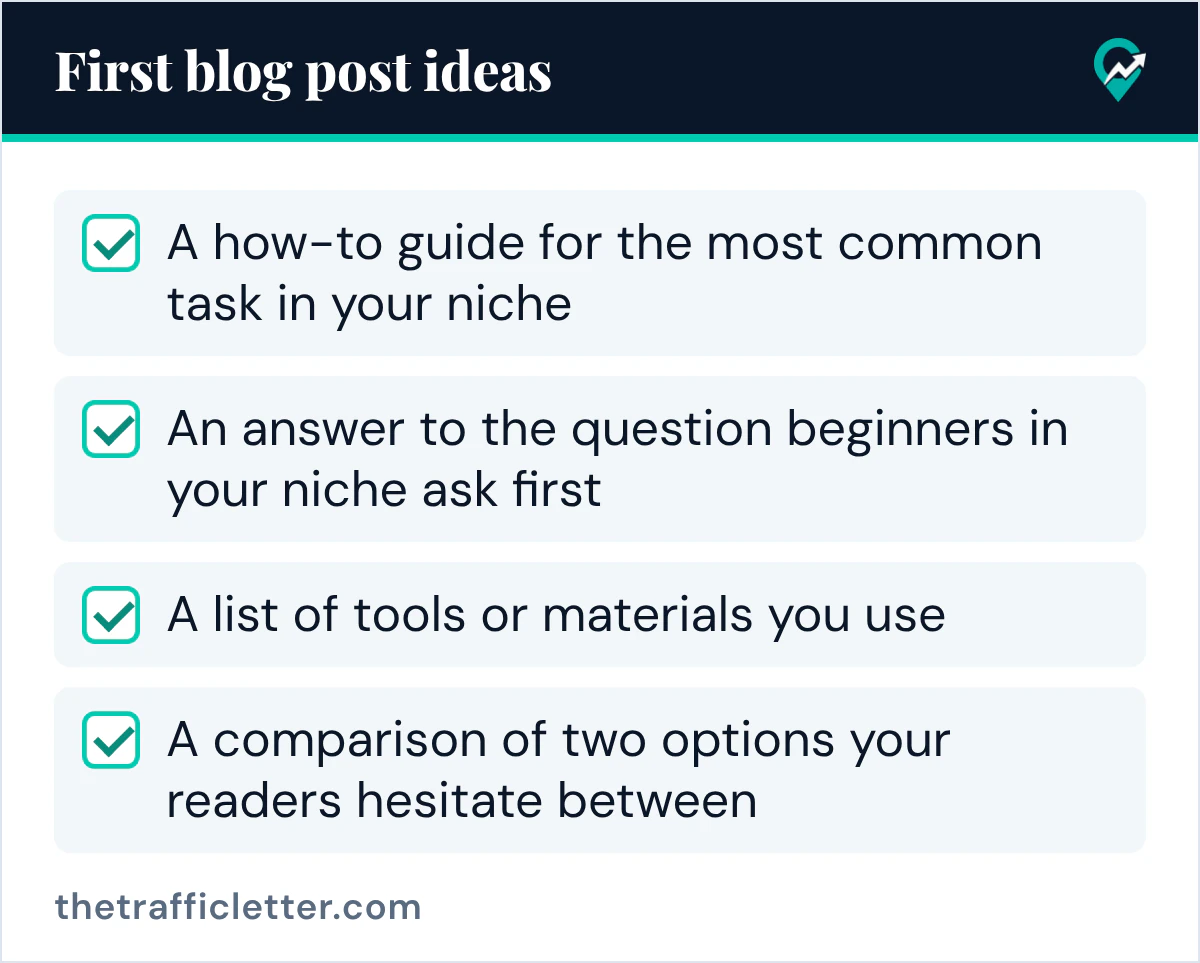
Good first posts for a niche blog:
- A how-to guide for the most common task in your niche.
- An answer to the question beginners in your niche ask first.
- A list of tools or materials you use, with what each one is for.
- A comparison of two options your readers hesitate between.
Write two or three posts in the same topic before you move to another one. That builds the hub and its supporting posts that a topic cluster needs.
Ideas to skip
Google’s helpful content page lists warning signs of content made for search engines first. Two apply to choosing ideas: producing lots of content on many different topics in hopes that some of it performs, and writing about things simply because they seem trending and not because you would write about them for your existing audience.
So skip a trending topic outside your niche, even when the trend chart is rising. And before you write a new post, check your old posts: the starter guide says to check in on previously published content and update it as needed. Updating a post that already ranks can be the better next step. Our guide on how many blog posts you need to get traffic (opens in a new tab) covers that balance.
Ask an AI assistant to sort your ideas
An AI assistant can turn real queries into outlines, as long as you give it the queries. This prompt works in ChatGPT, Claude, Gemini or any AI assistant:
My blog is about [your niche], for [your readers].
Here are search queries from my Search Console or Pinterest Trends: [paste the queries].

1. Group the queries that one post can answer together.
2. For each group, give a post title with the main query near the start, and the post type: how-to, list, comparison or short answer.
3. Mark any group that is outside my niche.
Use only the queries I give you. Do not invent search volumes.
Right after: your next actions
- Export your top queries from the Search Console Performance report, or note 10 keywords from Pinterest Trends if the blog is new.
- Group them with the prompt above and pick the one post your readers need most.
- Write it with our guide to blog writing for SEO (opens in a new tab), then make its Pins from our Pinterest traffic plan (opens in a new tab).